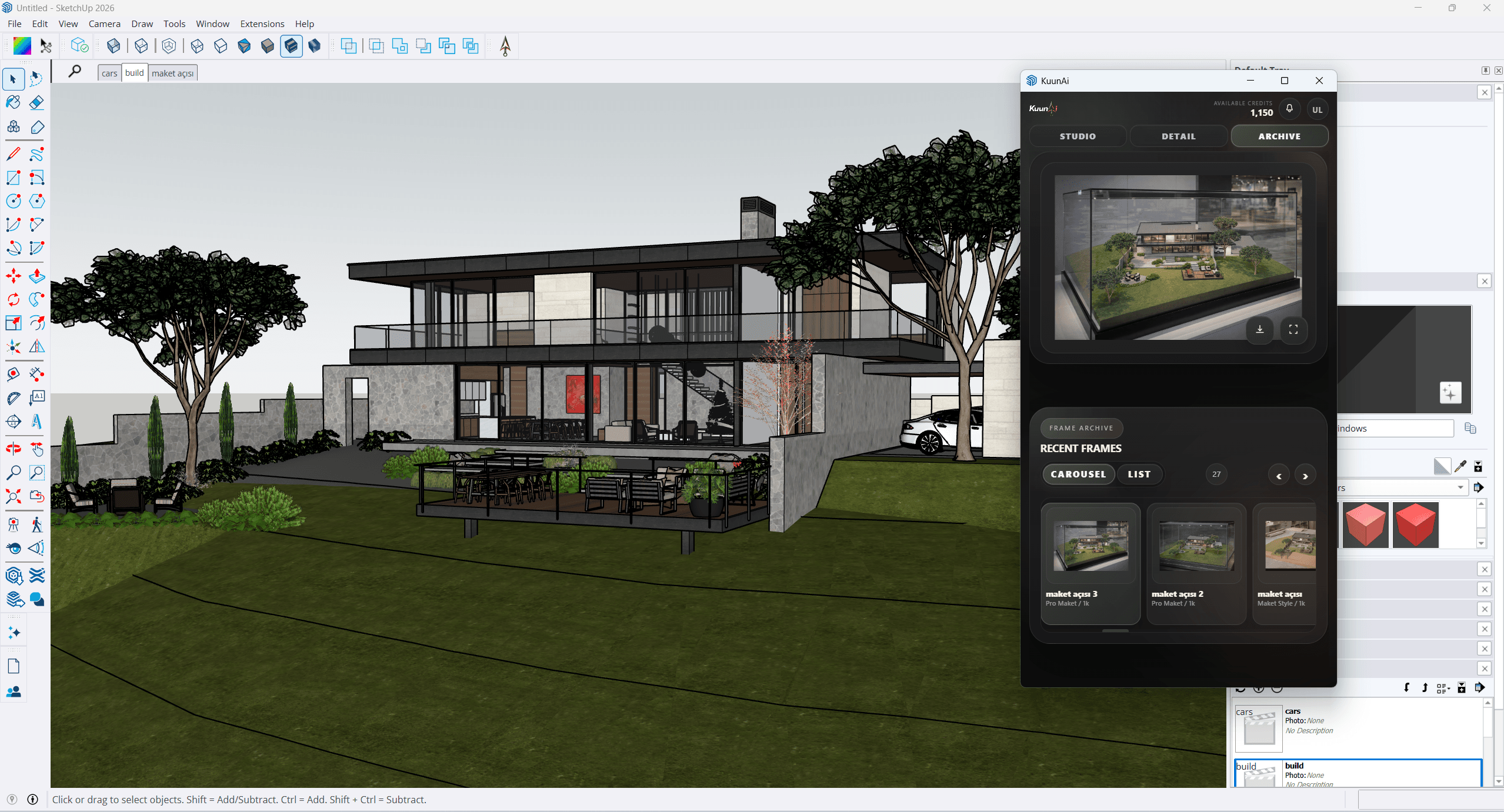
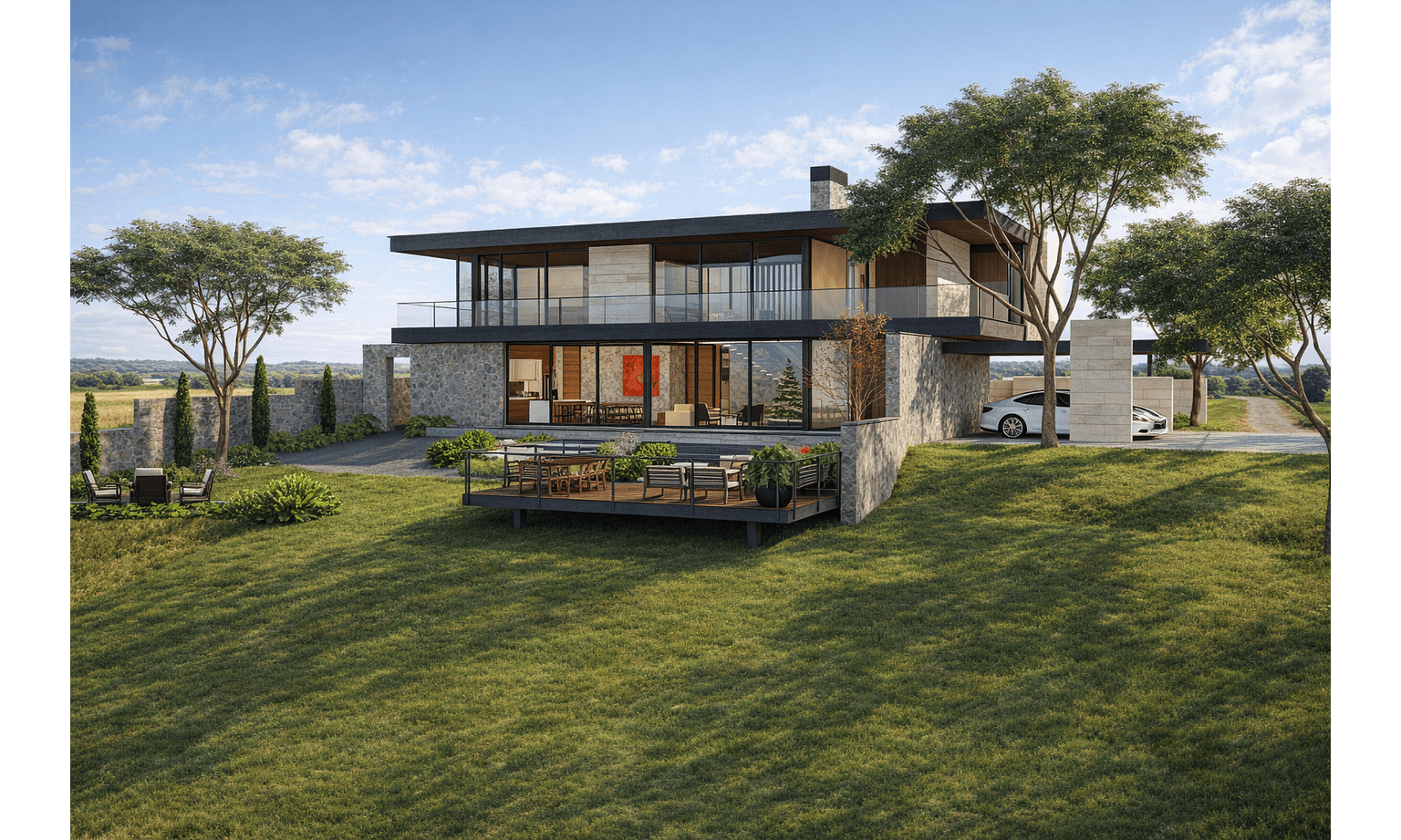
Style 01
High-Fidelity Pass
Engineered for clean material and lighting distribution, perfect for final presentation decks and client alignment.
The bridge between raw architectural geometry and presentation-ready visualization. Fast to iterate, native to your workspace, and built for rapid design-phase reviews.
This section is ready for the final references and descriptions you will share for the SketchUp workflow.
Engineered for clean material and lighting distribution, perfect for final presentation decks and client alignment.
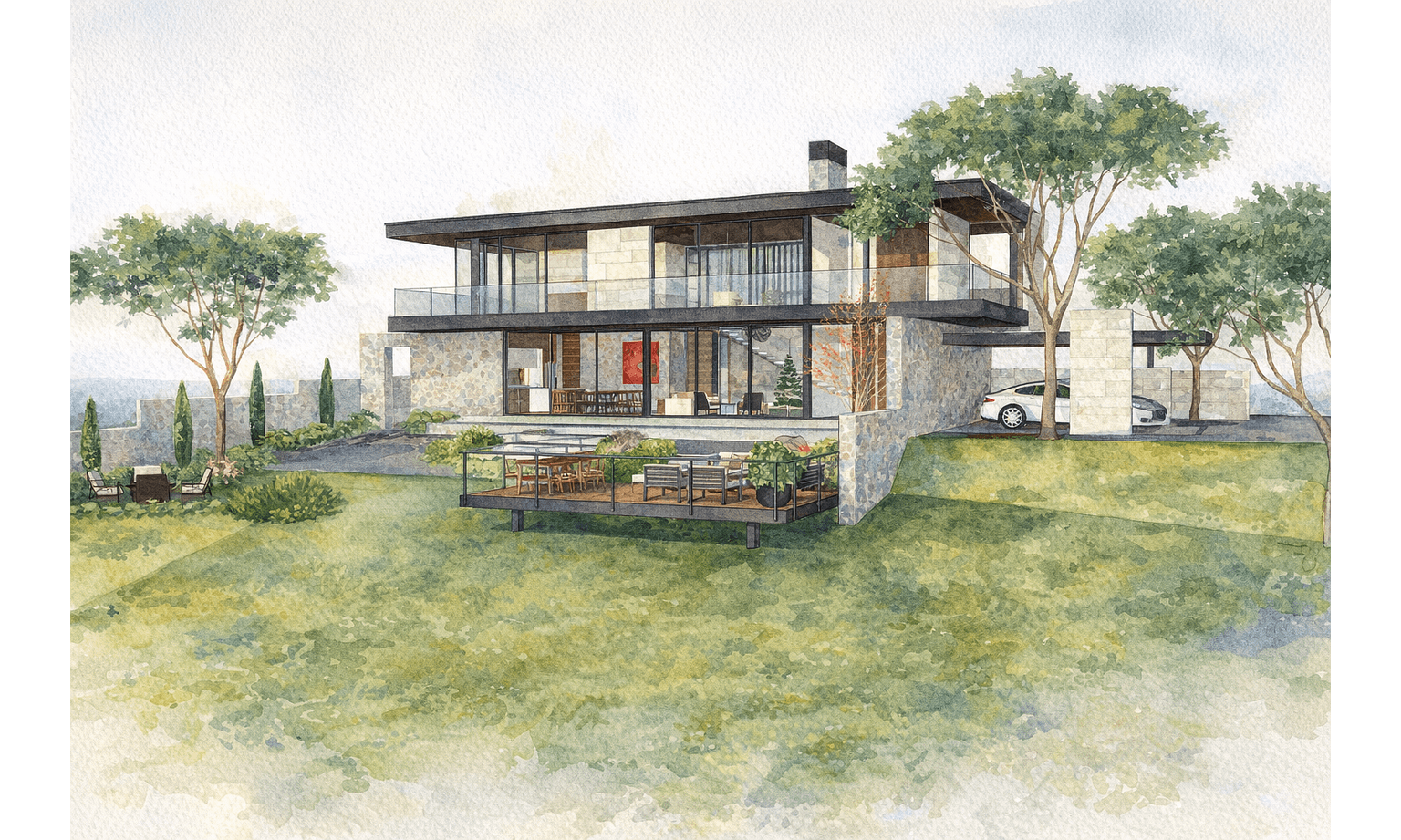
A soft, artistic brush-led output ideal for schematic design phases and emotional, conceptual storytelling.
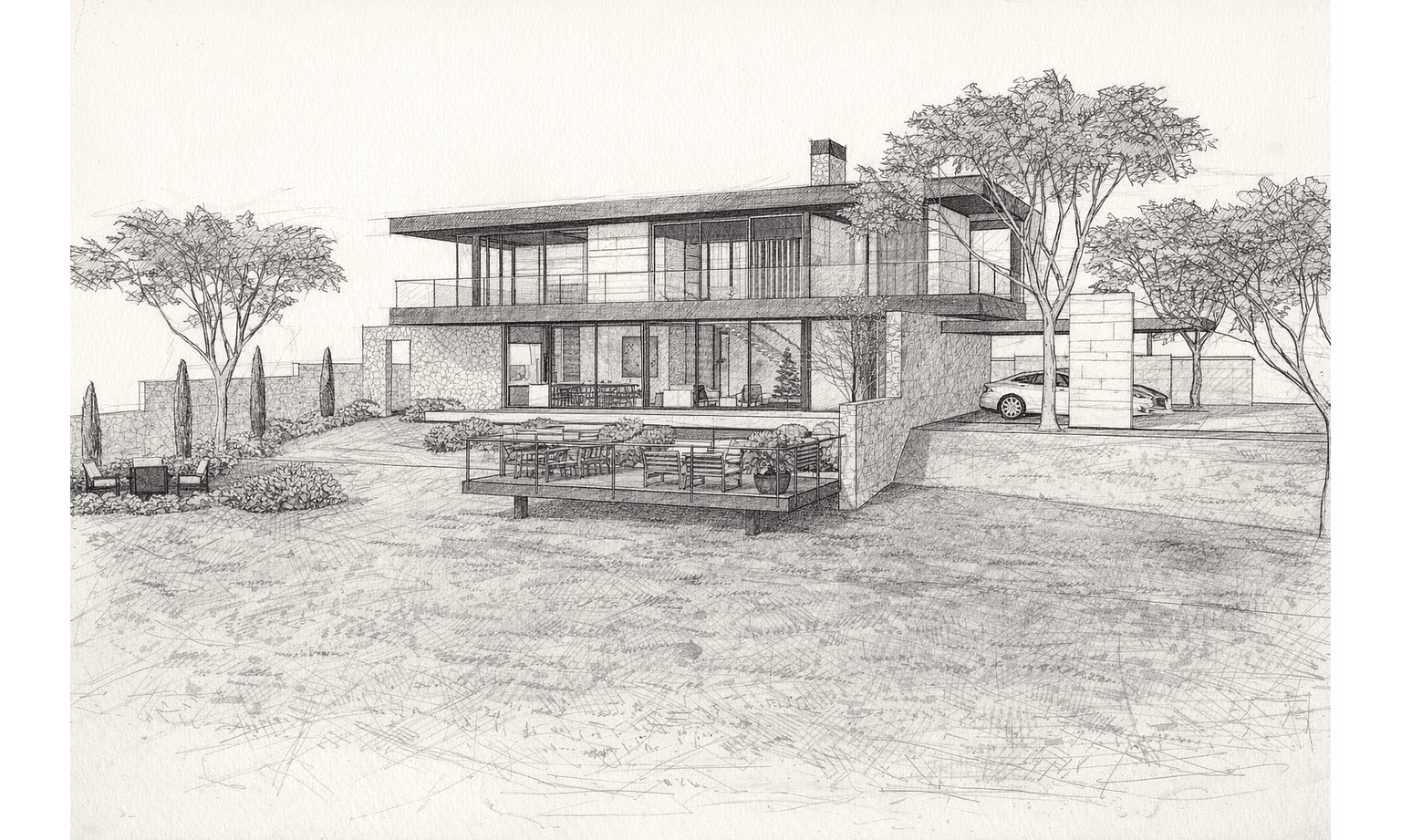
Emphasizes architectural lines and geometry, giving early client meetings an authentic, hand-drawn look.
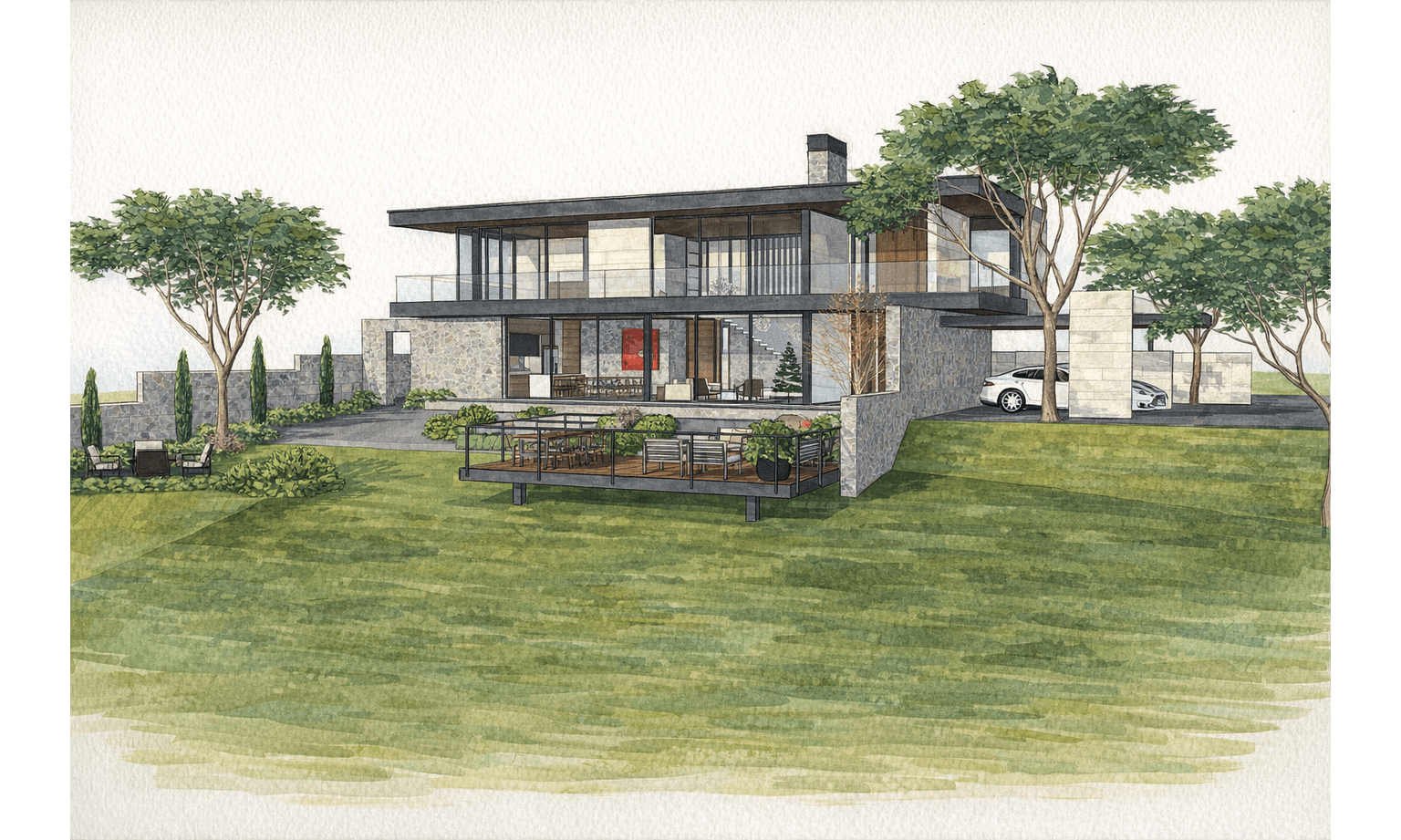
Vivid, marker-driven conceptual frames designed to quickly highlight form, massing, and volumetric flow.
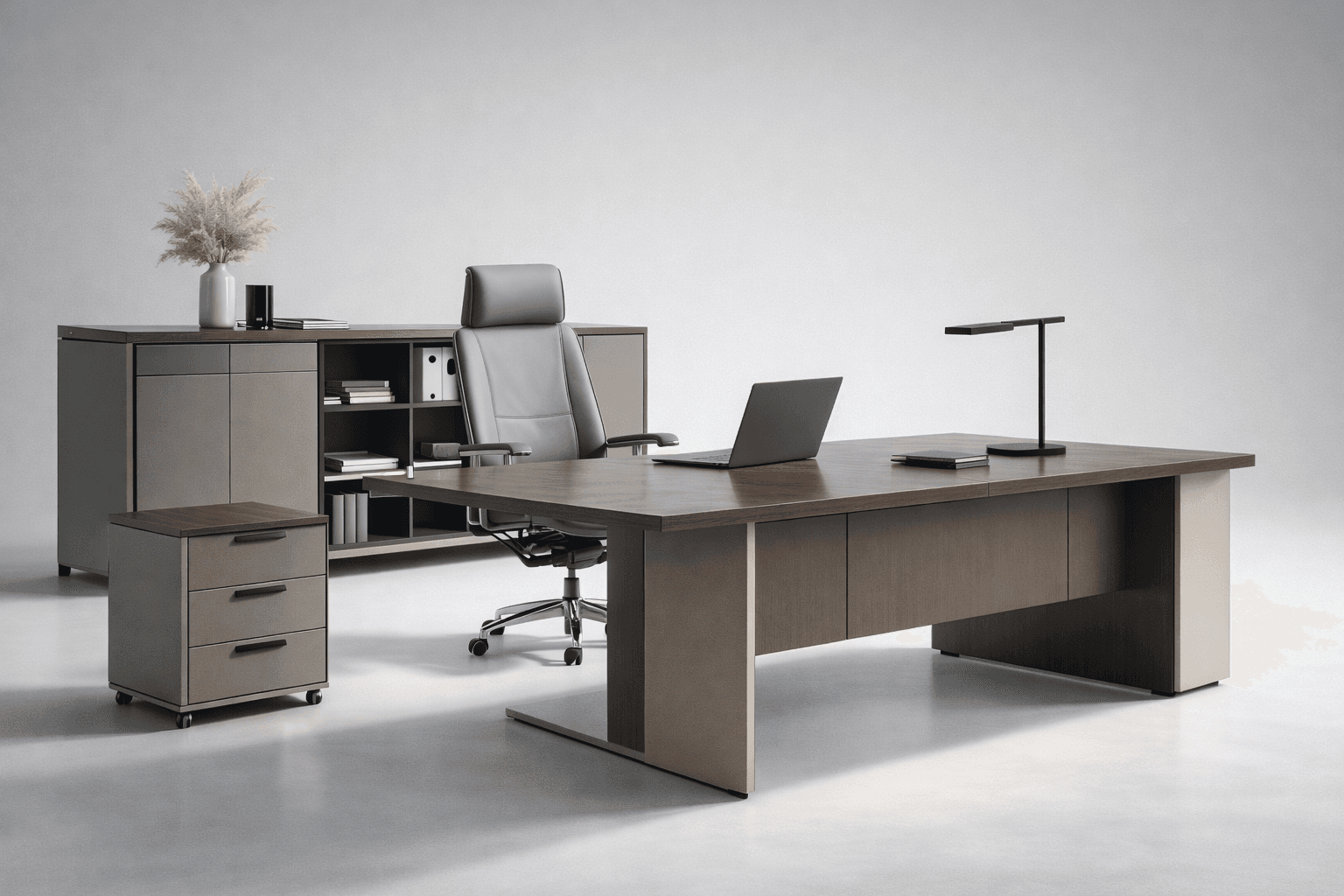
Optimizes interior light distribution and material behavior for enclosed spaces, balancing artificial light sources and workspace geometry.
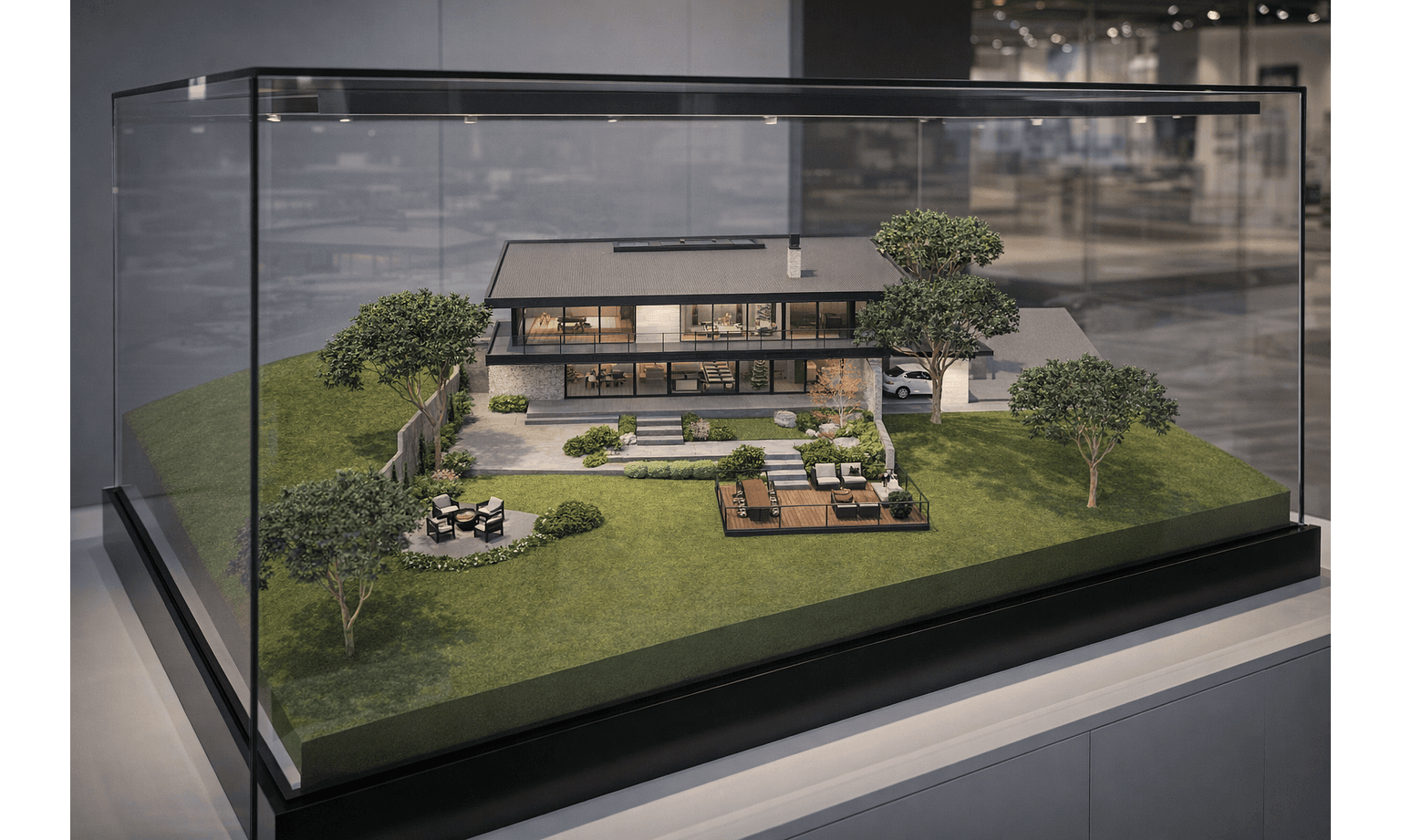
Replicates premium exhibition-style scale models with crisp acrylic casing reflections and professional display lighting.
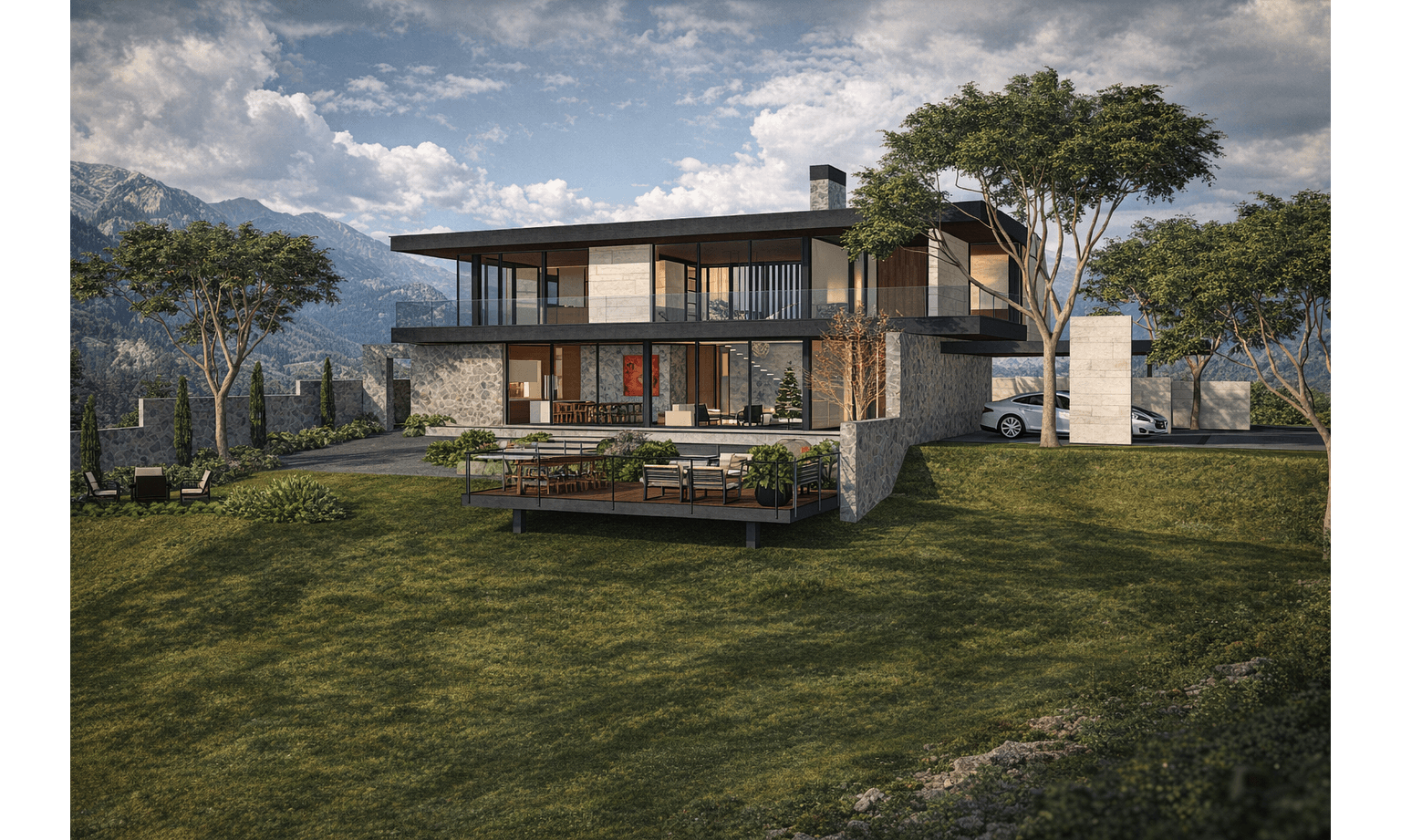
Crafts a dramatic, contrast-driven atmosphere with twilight lighting, tailored for high-end exterior storytelling and landscape focus.
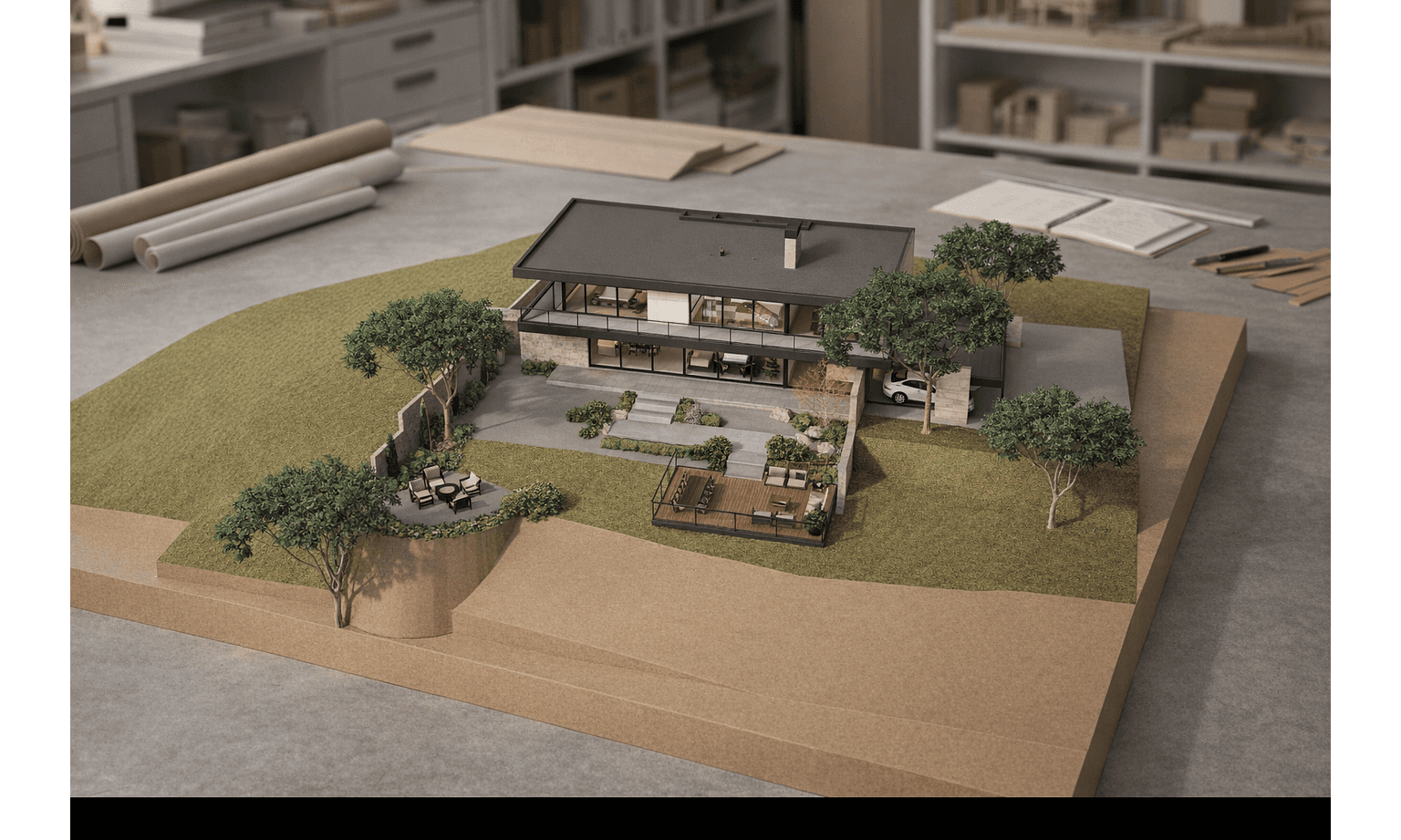
Emulates a physical timber or clay architectural model sitting on a studio workbench, perfect for early volumetric mass reviews.
Core plugin architecture is fully verified and stable. We are continuously rolling out next-generation features, workflow automations, and engine optimizations to keep your studio ahead.
Complete validation of workspace synchronization, native plugin bridges, and cloud render pipeline safety across active workflows.
Public deployment of initial workspace presets, real-time lighting controls, and live plugin history filtering for early adopters.
Broader ecosystem updates featuring automatic material mapping, custom style presets saving, and collaborative team library structures.
Post-launch releases focused on extended host application support, integrated asset management systems, and next-tier performance tuning.
Install the plugin in your SketchUp workspace and start rendering in minutes.
Download the latest plugin package matching your SketchUp version.
Inside SketchUp, go to Window > Extension Manager to manage and install extensions.
Click 'Install Extension', select your downloaded .rbz file, and restart SketchUp to open the KuunAI Studio panel.
Keep your active camera angles, scenes, and viewports perfectly aligned with the plugin studio. Update your geometry inside SketchUp and generate new presentation variants without file exports.
KuunAI automatically reads your native SketchUp texture placements and diffuse colors. Control global ambient lighting and rendering styles directly from the unified HtmlDialog interface.
"Use the 'Z' shortcut to quickly toggle the KuunAI studio panel inside SketchUp."